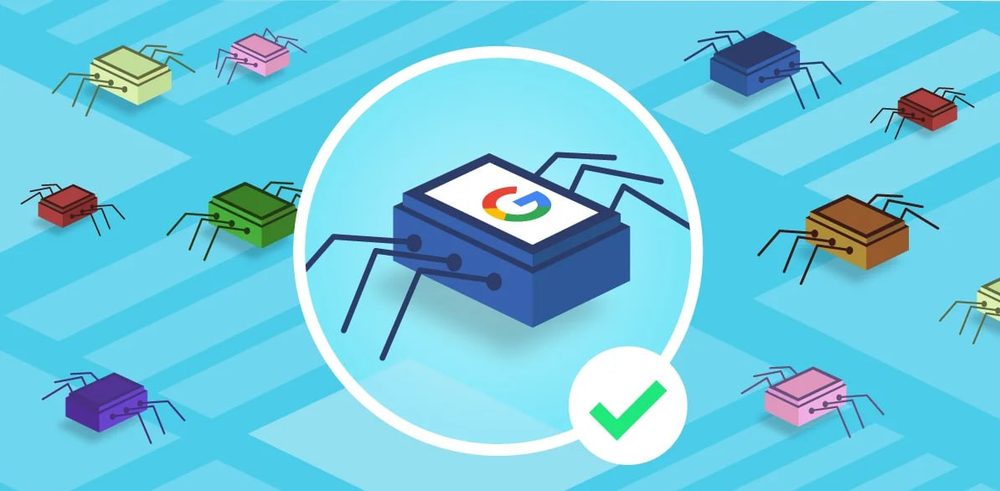
A web crawler is a robot that simulates a user and browses website links to index pages. Web crawlers use custom user agents to identify themselves.
Google Crawler Workflow
Google has several dedicated crawlers, the most commonly used being Googlebot Desktop (simulating a desktop user) and Googlebot Smartphone (simulating a mobile user).
Its workflow can be summarized in the following steps:
Find URLs: Google retrieves URLs from multiple sources, including the Google Search Console, links between websites, or XML sitemaps.
Add to the Crawling Queue: These URLs are added to the crawling queue for Googlebot to process. URLs typically remain in the crawling queue for only a few seconds, but depending on the specific circumstances, it can take up to several days, especially when the page needs to be rendered, indexed, or (if the URL has already been indexed) refreshed. Afterward, these pages enter the rendering queue.
HTTP Request: The crawler sends an HTTP request to retrieve headers and performs the appropriate action based on the returned status code:
200: It will crawl and parse the HTML.
30X: It will follow a redirect.
40X: It will indicate an error and will not load the HTML.
50X: A check for status code changes may be performed later.
Processing and Rendering Queues
Because executing JavaScript is computationally expensive, only a portion of web pages enter the rendering queue for processing. This means that some search engines with weaker rendering capabilities may not be able to fully crawl content that relies on client-side JavaScript. Next.js can help you optimize your rendering strategy.
Preparing for Indexing: If all conditions are met, the page may qualify for indexing and appear in search results.
Now that we have a general understanding of how search systems and Googlebot work, we will learn about:
HTTP status code basics;
Metadata and what web crawlers look for when parsing web page content;